
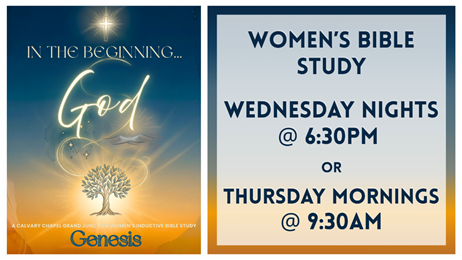
Join us for our study in Genesis!
How to add blog shortcode to page/post
To add blog shortcode to your page simply click on blog shortcode button, that can be found integrated in default editor panel in visual mode. See image below.
Please note, that blog shortcode and page have different design.


Blog Shortcode Settings
“Category of blog” – you need to choose your blog category here. Post from this category will be displayed. If oyu don’t have any posts and categories yet, then you need to create them first, before adding blog shortcode.
“Show per page” – you can define how many post to show per page.
“Pagination” – You can choose whether to show pagination or not. If you turn off pagination, then only set amount of posts in “show per page” field will be displayed.
After you are done with settings, click “Insert” button.
Shortcode will be placed in content, inside your editor. Exactly where the syntax is placed depends on where your cursor is. So don’t forget to place cursor in correct place in your content, before adding shortcode.
Examples:
BLOG SHORTCODE WITH PAGINATION
[blog category="9" perpage="2" pagination="on" ]
BLOG SHORTCODE, SINGLE POST
[blog category="8" perpage="1" pagination="" ]